Landscape and travel
Good light doesn't wait for anyone. Look up everything you can before you leave, and spend the time on site framing and waiting.

From the door and back
-
Before you go
LCT
Find the best time and the way in. Sunrise and blue hour are worked out on your device.
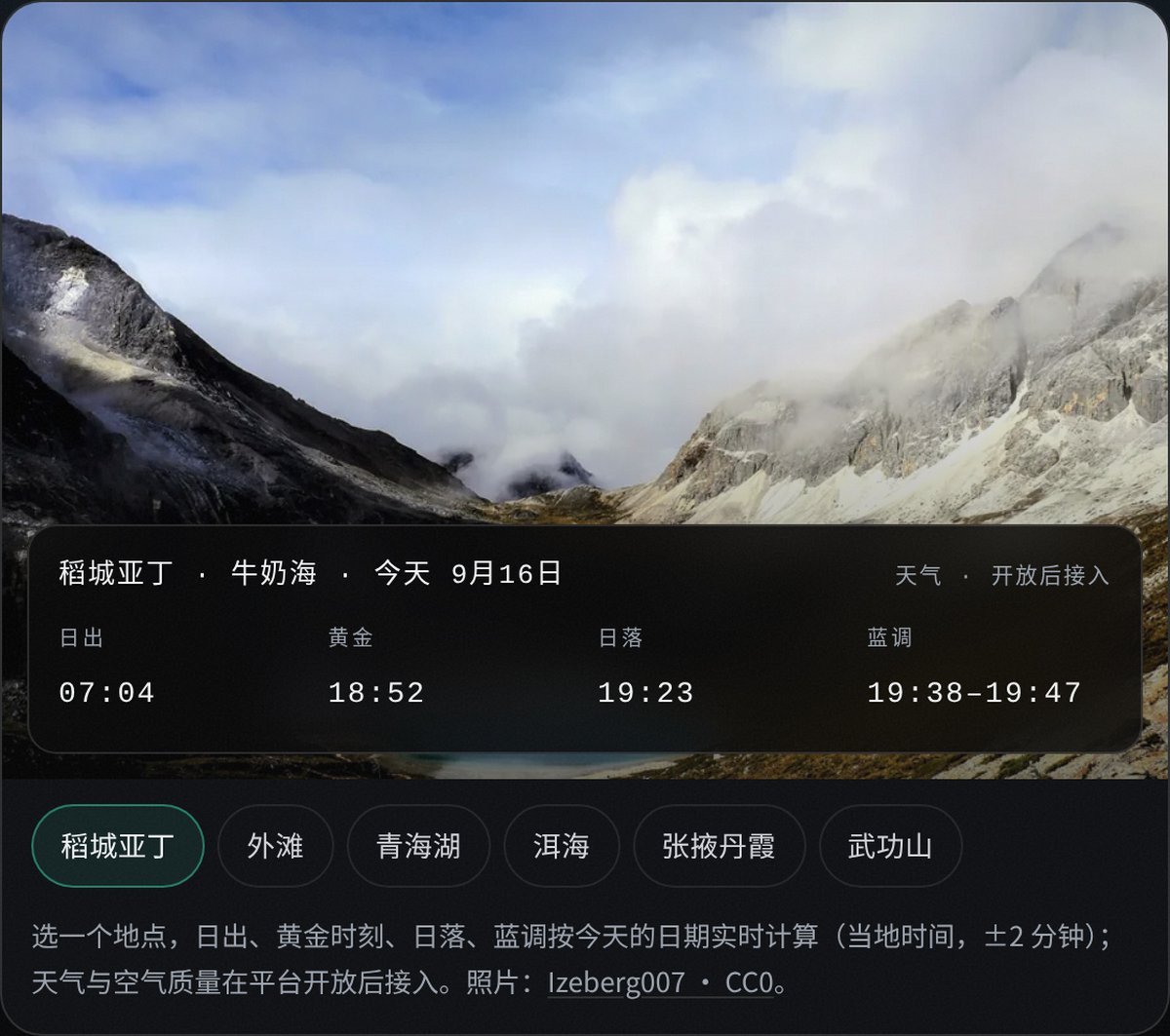
A place card in the LCT web app. -
On site
Zlens
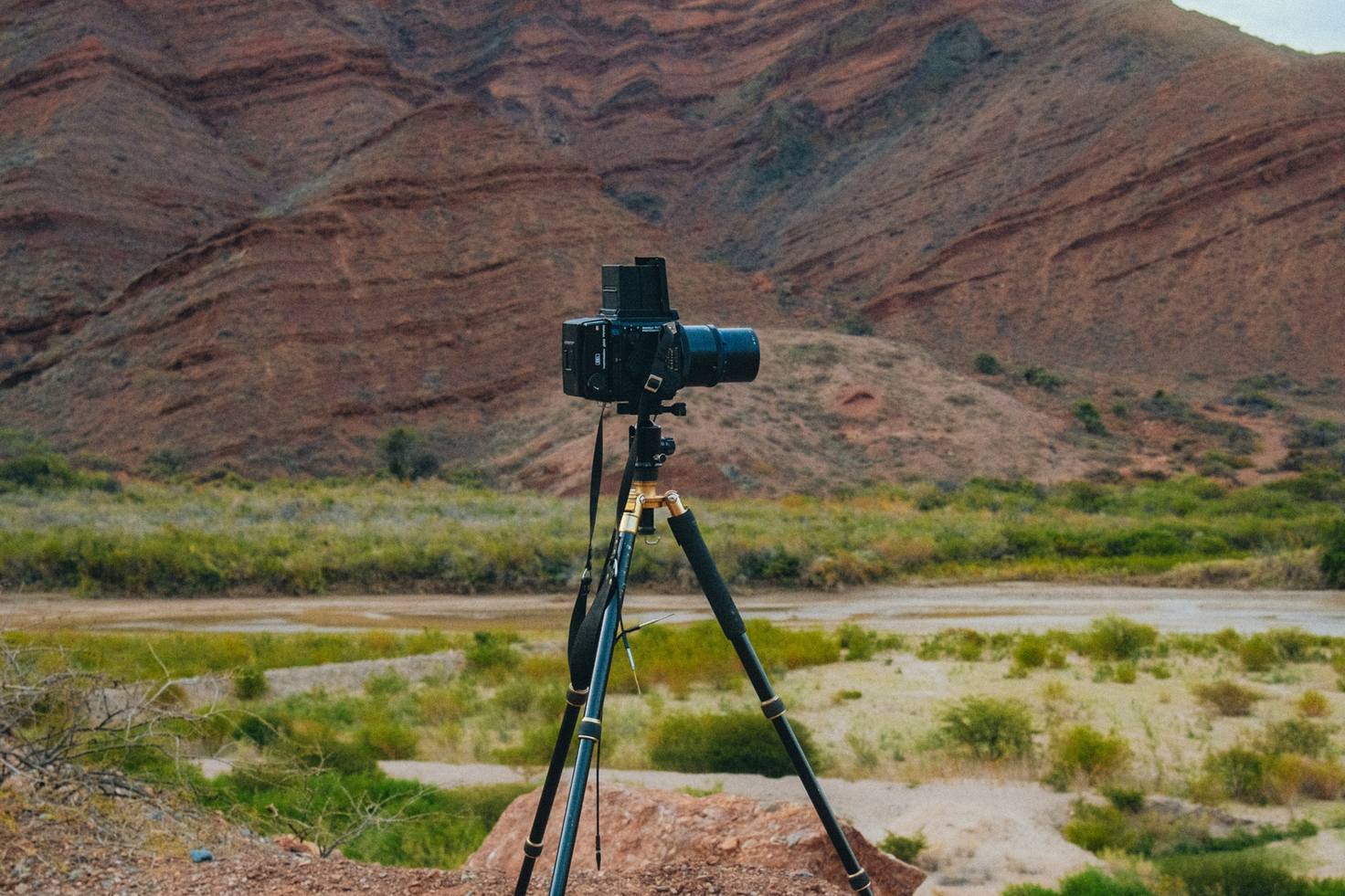
Camera locked down, settings and histogram on the phone. Long exposures and intervals run from there.
-
Back home
Mark
Print the body, lens and settings back onto the photo. It runs in the browser, so nothing is uploaded.
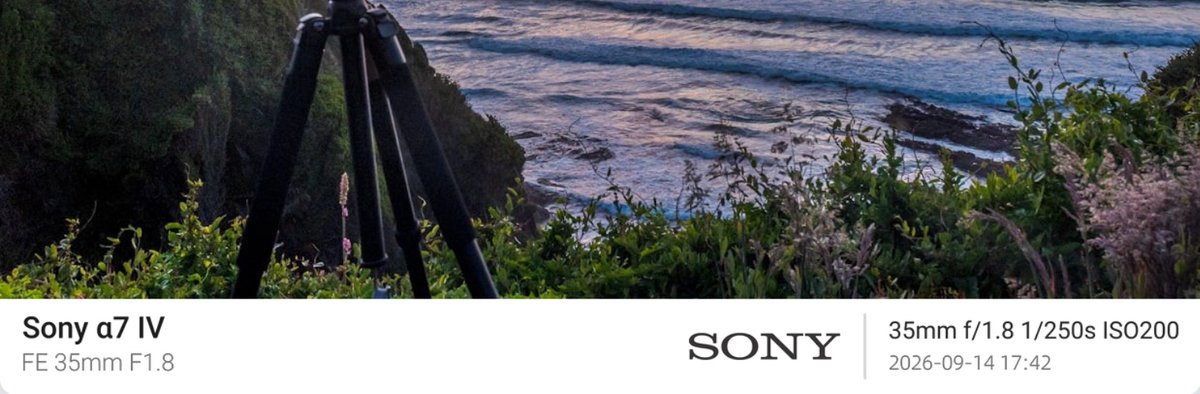
A settings strip exported from Mark. The values are demo data. -
Back home
Liuying
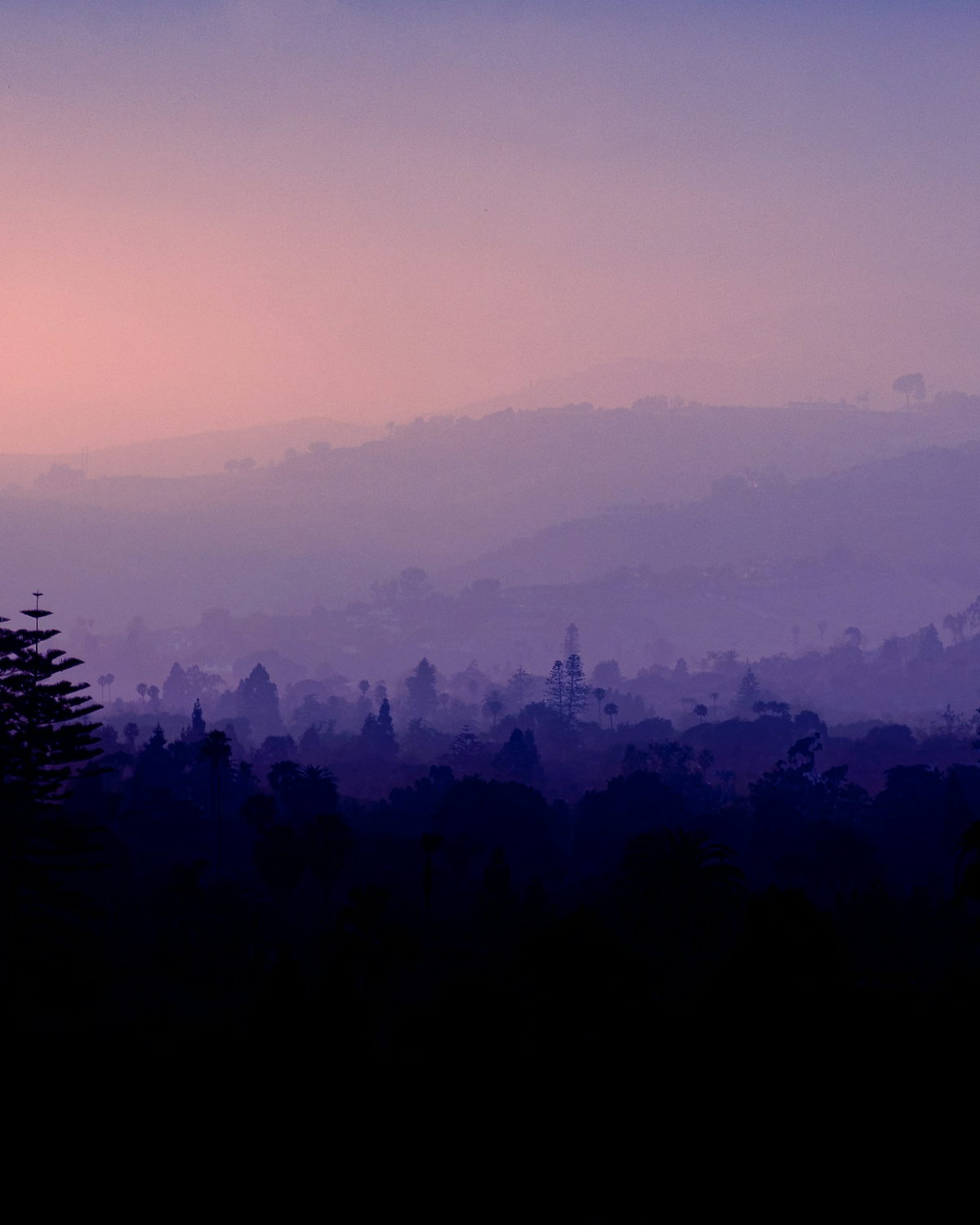
Test frames, duplicate bursts and soft shots get grouped, and you decide what to delete.



The kit
| Stage | Product | What it does | Price |
|---|---|---|---|
| Before you go | LCT | Place, best hour, sun times | Free for now |
| On site | Zlens | Remote settings, bulb and interval | $19.99, one-time |
| Back home | Mark | EXIF watermark and frame | Free |
| Back home | Liuying | Burst keeper, blur flagging | Announced at launch |
Questions
Does LCT work without a signal?
The place library needs a connection; sun times are worked out in the browser, so check before you leave.
Is Zlens good for long exposures?
Yes. Interval shooting stacks with bulb and resumes after a power cut.
Can Mark zip up a whole set at once?
Not on the web yet; use the desktop or Android batch mode.