Pick a direction, not a prompt
Upload a photo, choose a style direction, and about two minutes later you have a finished piece. The person in it still looks like you.


30 styles
Twenty-four original styles hang across six exhibitions, and Small Press adds six adapted from the community.
None of them imitates a living artist or a brand.

Browse it like a gallery
Each exhibition has its own name and four to six styles. You choose the show first, then the direction.
While it works, you see the four real stages, not a made-up percentage.


All six style covers on this page are MuseFrame's own output.
New style, same person
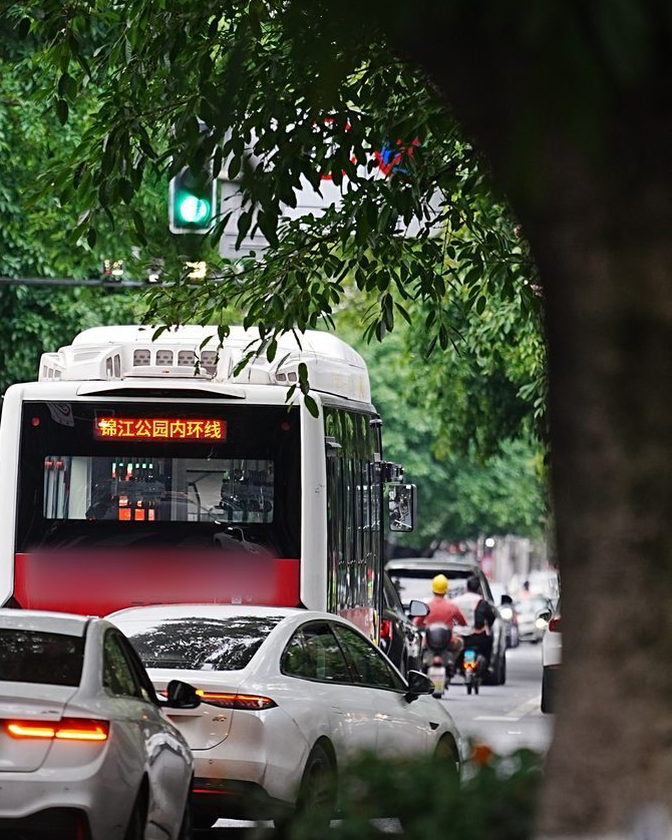
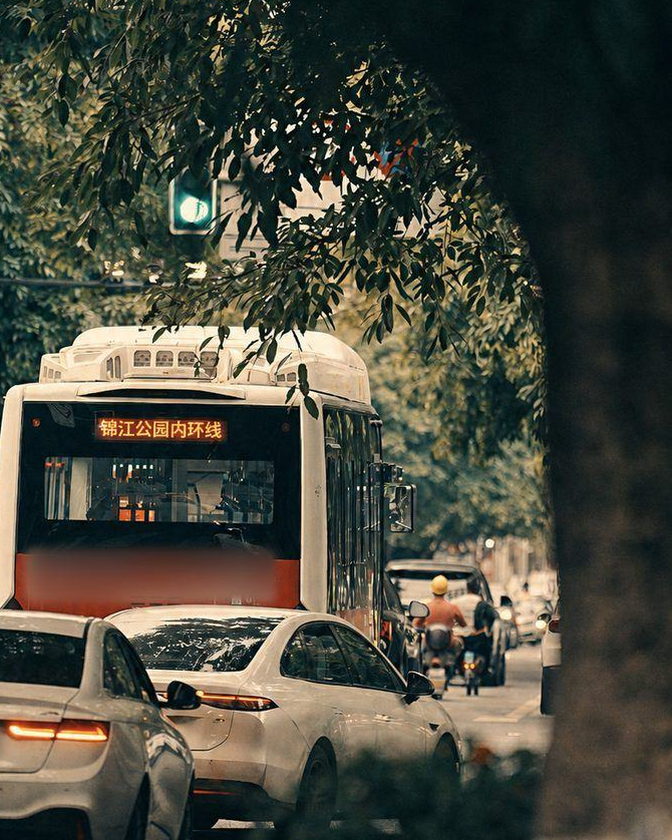
Face shape, expression, pose, hair, skin tone and glasses all stay.
No beautifying, no face swaps, nothing added. Drag the slider to compare.
OriginalAfter
About two minutes
- Pick a photoRe-encoded on your device first, GPS removed
- Read the imageSubject, headcount, exposure and sharpness
- Choose a directionStyle strength, subject fidelity, keep or rebuild the composition
- Generate and saveHold to see the original, drag to compare
Pay by the image
Three free images when you sign up, no card needed. Packs don't expire, and 30 is the best value.
- Trial pack of 3
- $1.99once per account
- 10 images
- $5.99
- 30 images
- $12.99
- 100 images
- $34.99
- Creator
- $7.99 / month30 images a month, or $59.99 / year with 360 up front
Specs
- Styles
- 30: 24 original, 6 community-adapted
- Exhibitions
- 7
- Turnaround
- About 2 minutes, 1–5 at peak times
- On sign-up
- 3 complete images
- Originals kept
- Cleared after 30 days; within 24 hours of deleting a project
- Before upload
- Re-encoded to JPEG on device, GPS and camera metadata removed
- Platforms
- Web is live; Android 8.0 and up, download opening soon
- Guides
- 5, in English and Chinese
Privacy policy · Terms · Acceptable use · Support & reports · Account deletion · All product policies
Questions
Will it still look like me?
Yes. No beautifying, no face swaps, nobody added or removed.
Which model makes the final image?
Final images are currently generated or edited by OpenAI GPT Image 2 (gpt-image-2). Some design styles first use OpenAI GPT-5.4 mini (gpt-5.4-mini) to put the style instructions together; that step never produces the final image.
Is my photo used for training?
No. We don't train models on your photos, build face databases or sell data.
Is the dollar price a currency conversion?
No, the two currencies are priced separately.
You get three on the house. Try one of your own photos.
Try it online